
Skip to main content
How Can We Help?
Welcome to our Support Portal. Search for answers using the search box below,
or create a support ticket if you cannot find your answer.
Tip: Start typing in the input box for immediate search results.
Table of Contents
Different departments may assign you tasks that need to be completed in your To Do List, which is located on your eSTORM Homepage.
View your To Do List
Go to eSTORM and login.
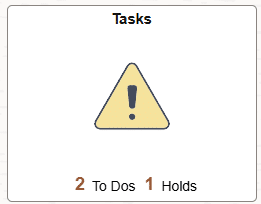
Click the Tasks tile:
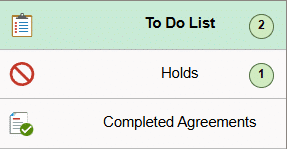
If you have any items in your To Do List, you will see them on the To Do List page
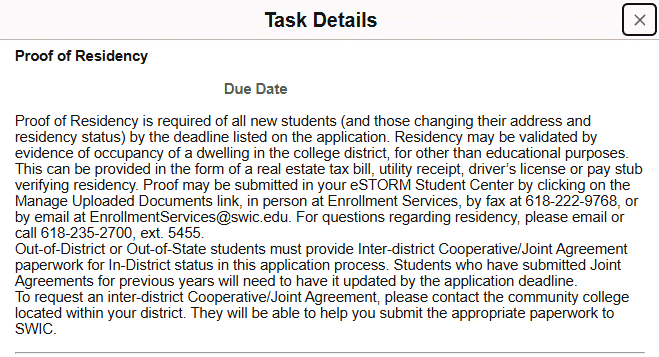
Click on an item for detailed information on what you need to do
Where can I find more help?
If you need help logging into eSTORM, click HERE.
Click HERE to contact the Technology Assistance Center.