

Welcome to our Support Portal. Search for answers using the search box below,
or create a support ticket if you cannot find your answer.
Tip: Start typing in the input box for immediate search results.
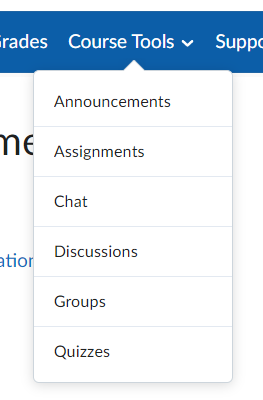
Brightspace Assignments: Submitting an assignment. If your instructor chooses to use the Assignment feature in Brightspace, can access assignments through the Course Tools – Assignment menu.
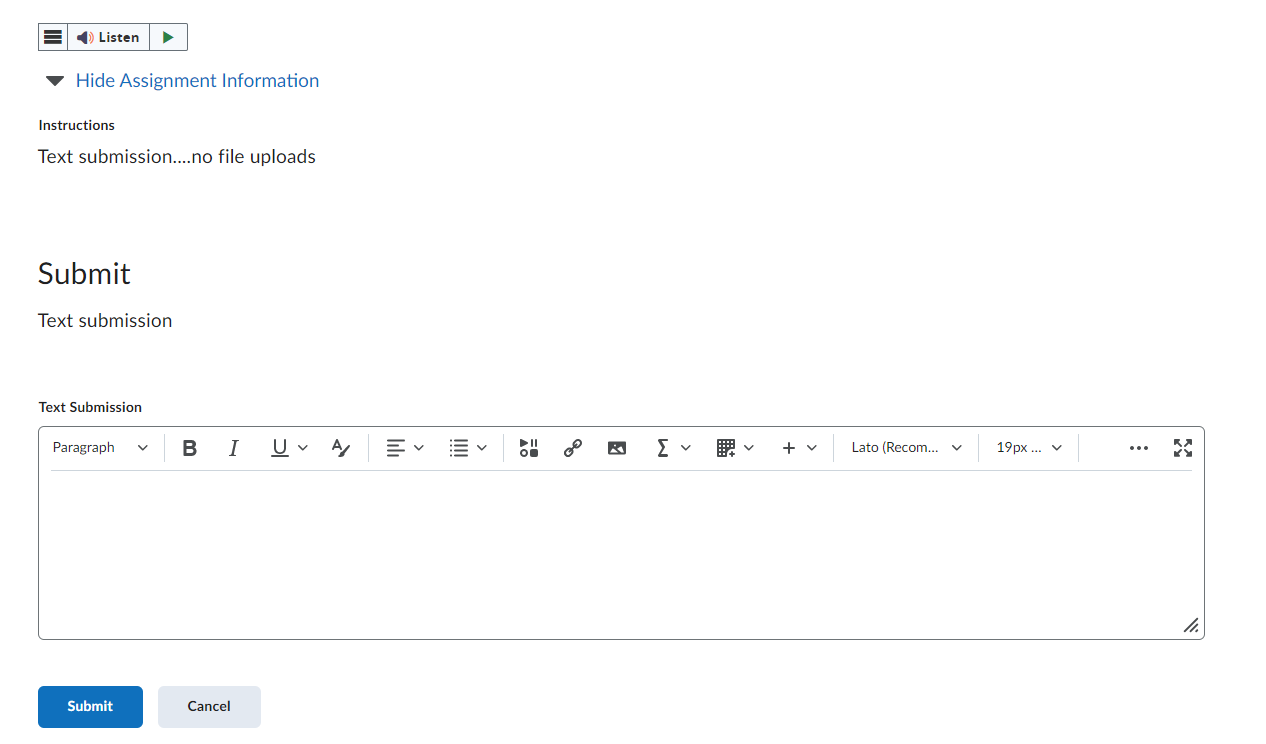
Depending on how your instructor has the assignments setup you may have the ability to just TYPE in your answers or include other items in the TEXT EDITOR:
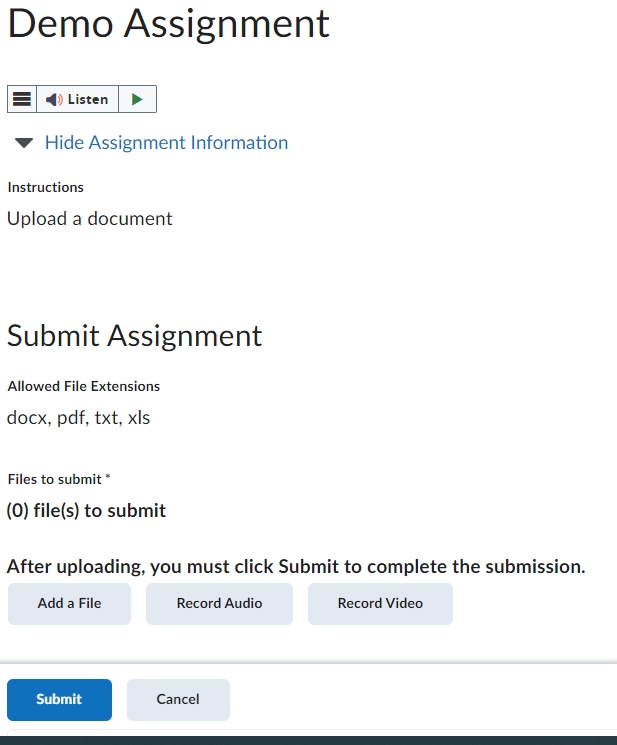
You may be asked to upload a file. ***Be aware that instructors can force the file type you are submitting match with what can be viewed in the platform.
Check out this interactive image for more information on using Brightspace- Welcome to Online Learning